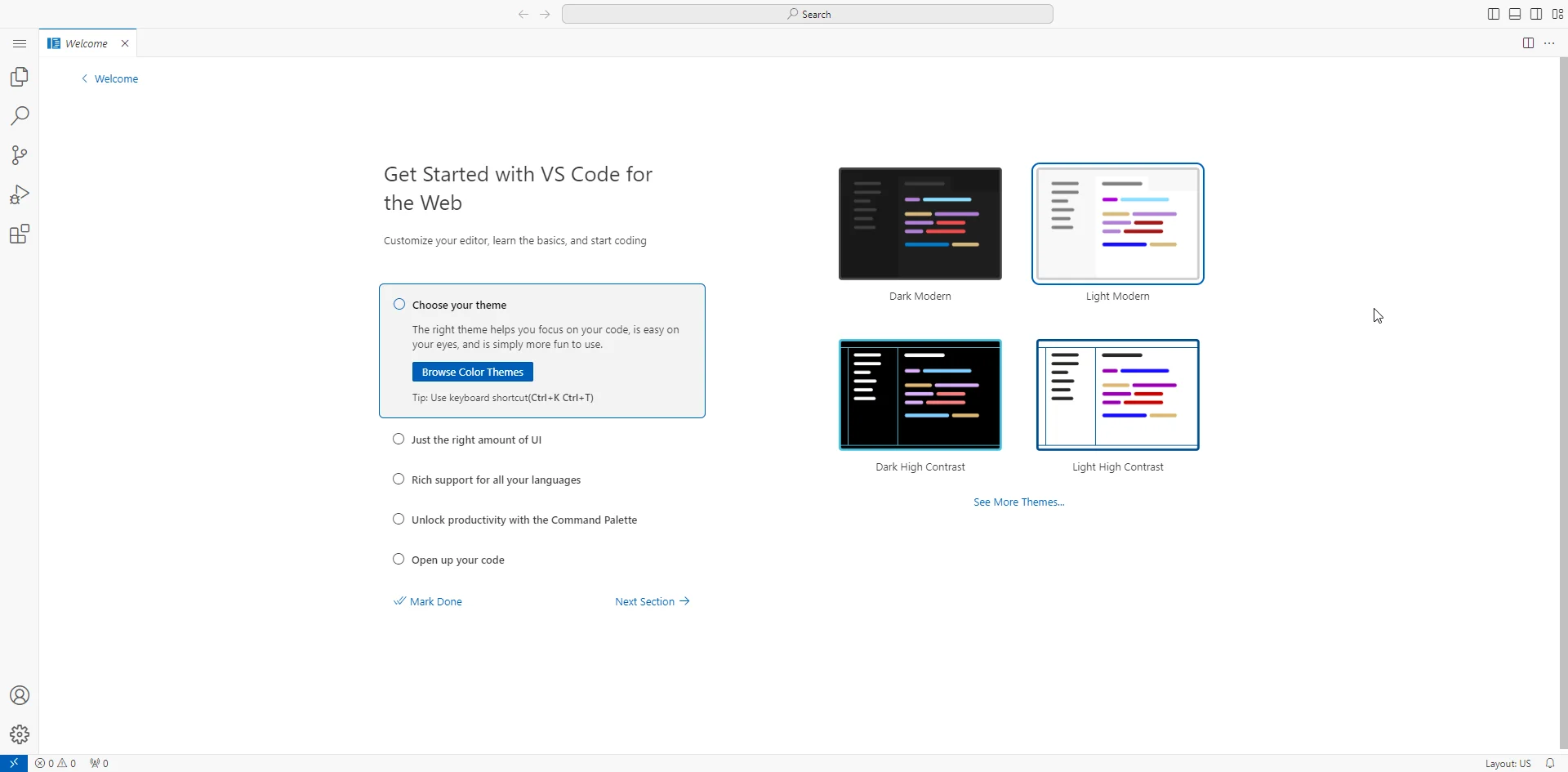
VSCode in Your Browser
 Pulkit
· 1 min read
VSCode has always been our favourite code editor, but I recently got the task of getting a web version of it in a React application. Well, after googling a few things, I found this way.
Setting up using docker
                  docker run -d \
                    --name=code-server \
                    -e PUID=1000 \
                    -e PGID=1000 \
                    -e TZ=Etc/UTC \
                    -p 8443:8443 \
                    -v /path/to/appdata/config:/config \
                    --restart unless-stopped \
                    lscr.io/linuxserver/code-server:latest
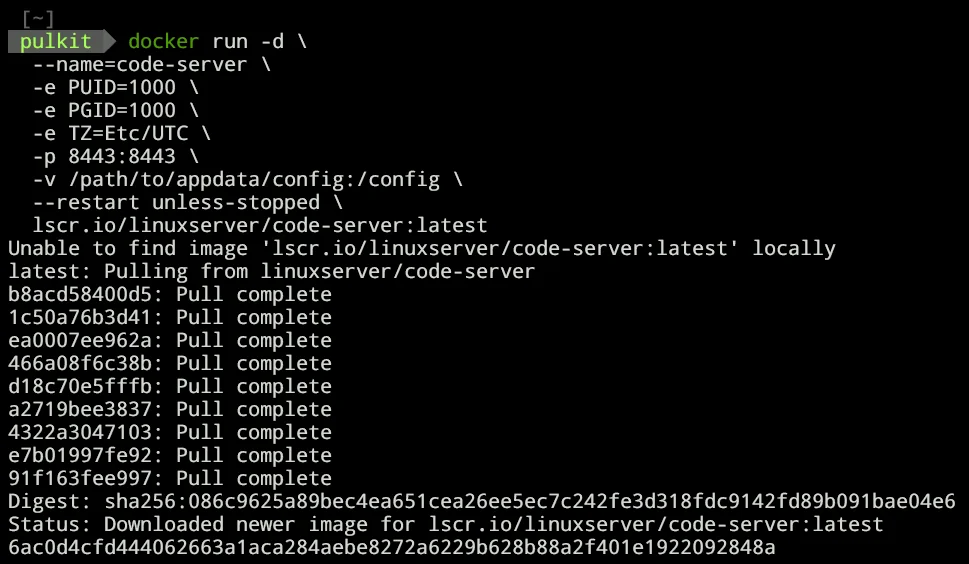
for more reference: github.com/linuxserver/docker-code-server
Setting up using npm
pnpm add -g code-server
code-server
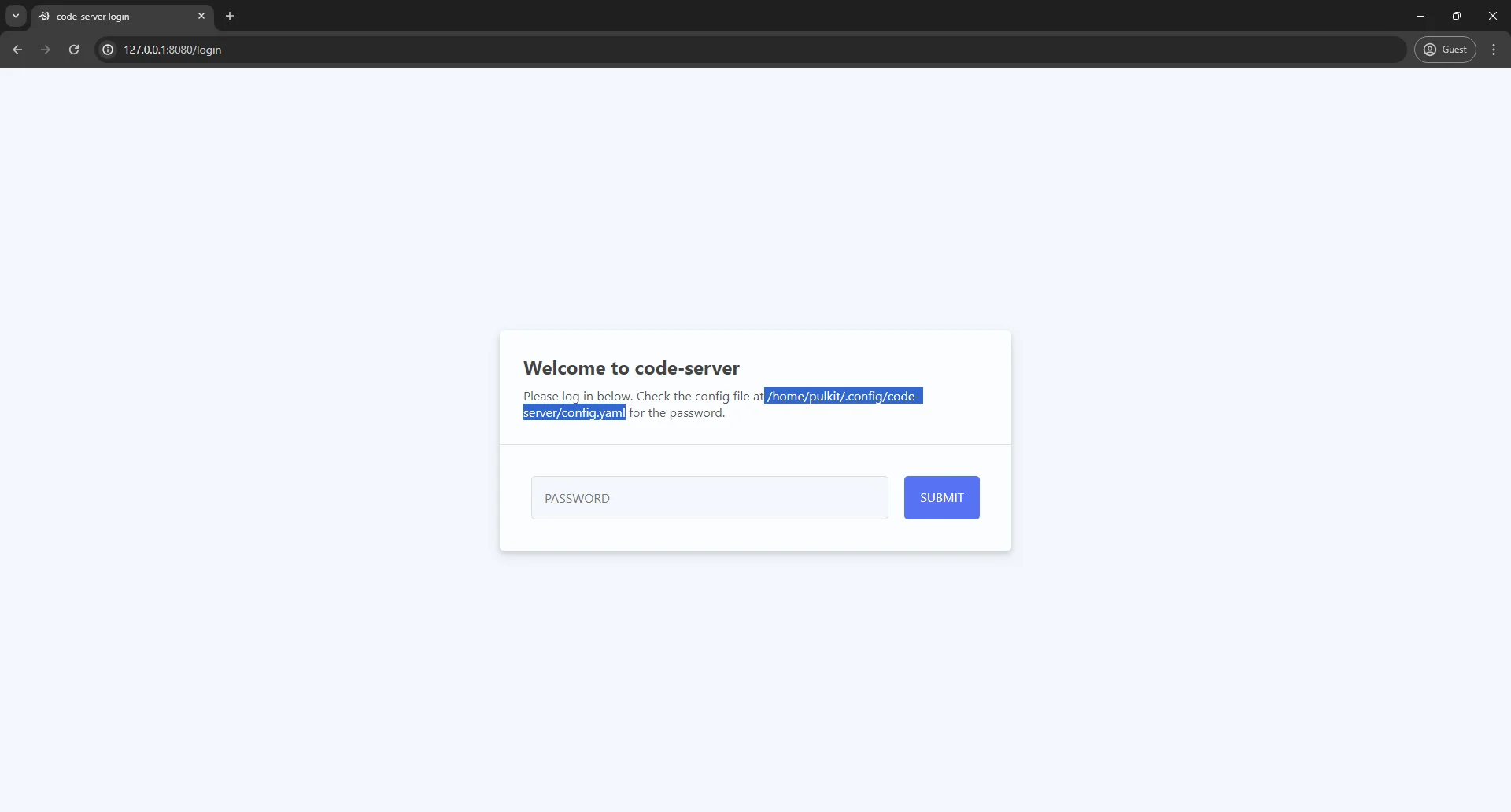
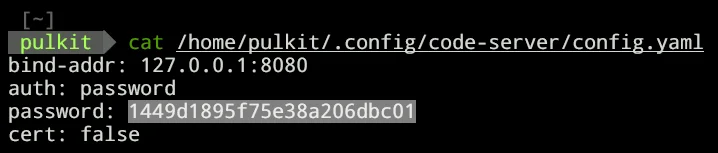
To get the password